The Explainer Video With Four Jobs
How one video helped announce, explain, demo and advertise a product and its new pricing
Office Timeline & RomSoft
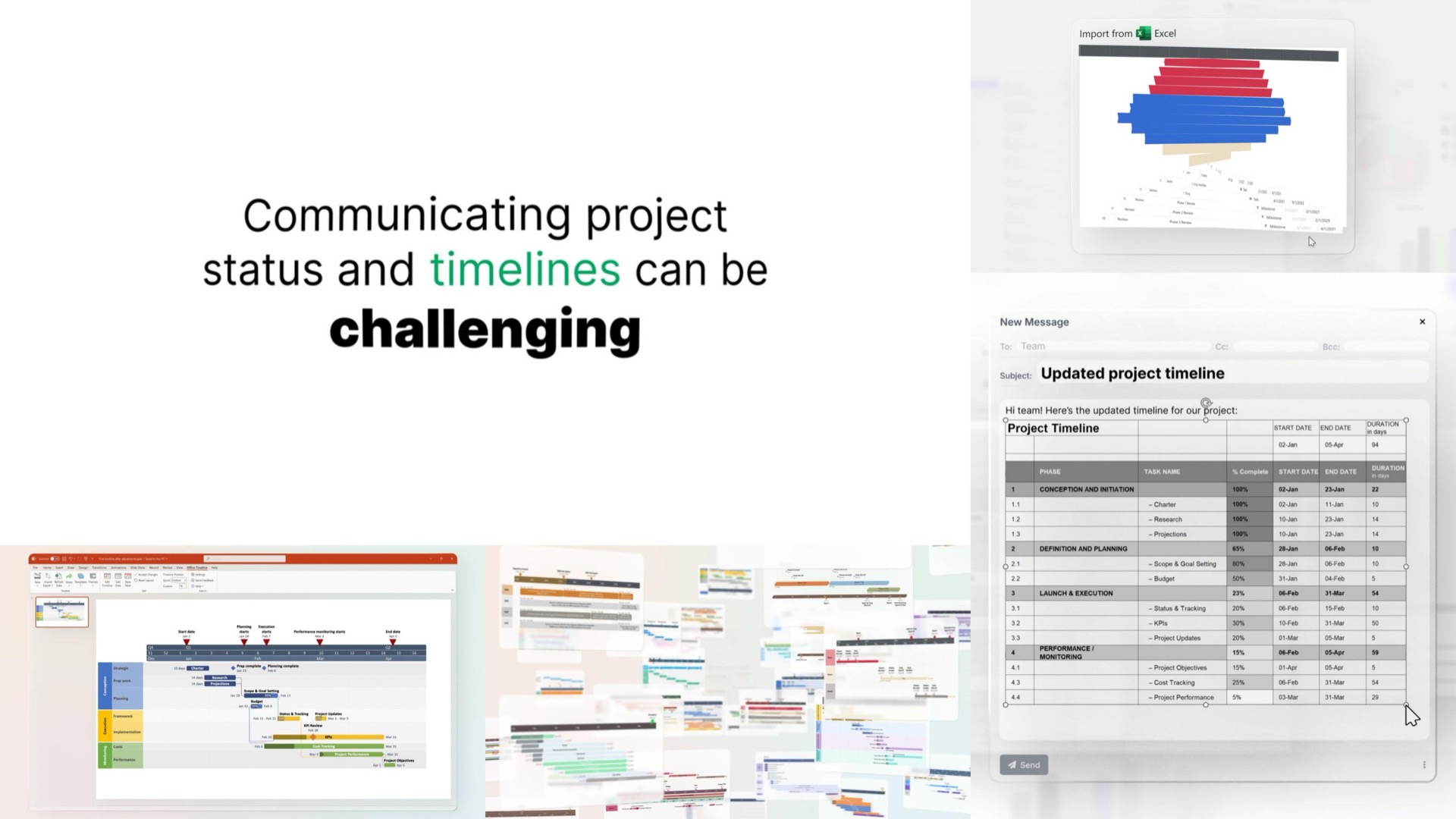
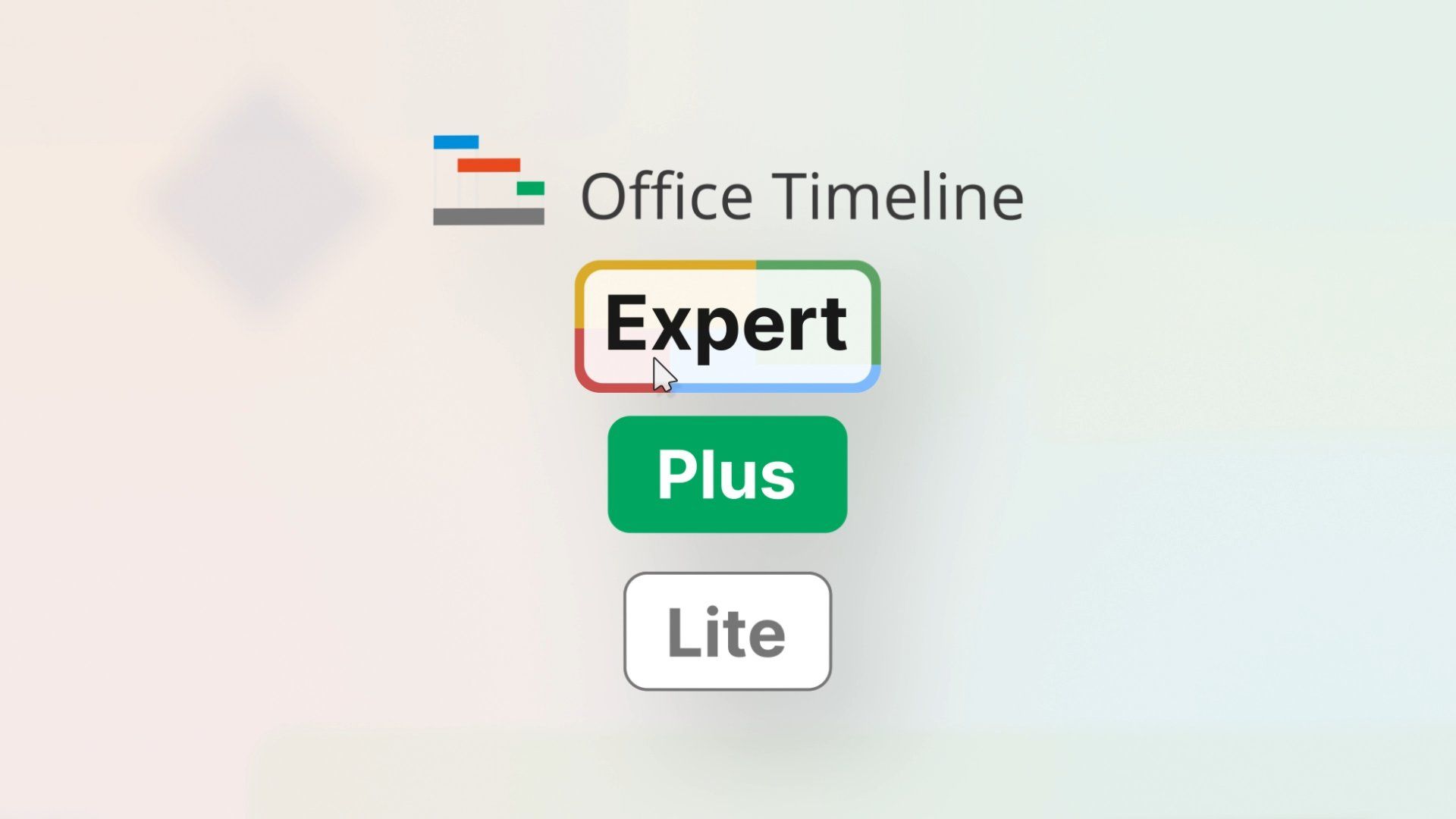
Office Timeline and their strategic partners at RomSoft had been due for a new explainer video for a while. When a new pricing structure was being prepared for release, it created the perfect opportunity to build a video that would solve a multitude of needs, like announcing the new price packages, explaining the concept of the product, demoing it, and working as a paid ad.
We helped by creating a clear, 1-minute-long video, crafted specifically to get the attention of their project management focused customers no matter the use case, as well as four shorter cut-downs for specific marketing uses such as short ads, or page embeds.
The Services
- Motion Graphics & Animation Production
The Deliverables
- Main, 1-minute long product demo/explainer video
- 4 short cut downs
The Impact
~5,350,000
paid views during the first year of its release
17,800+
organic views during the first year of its release
94%
average watch percentage
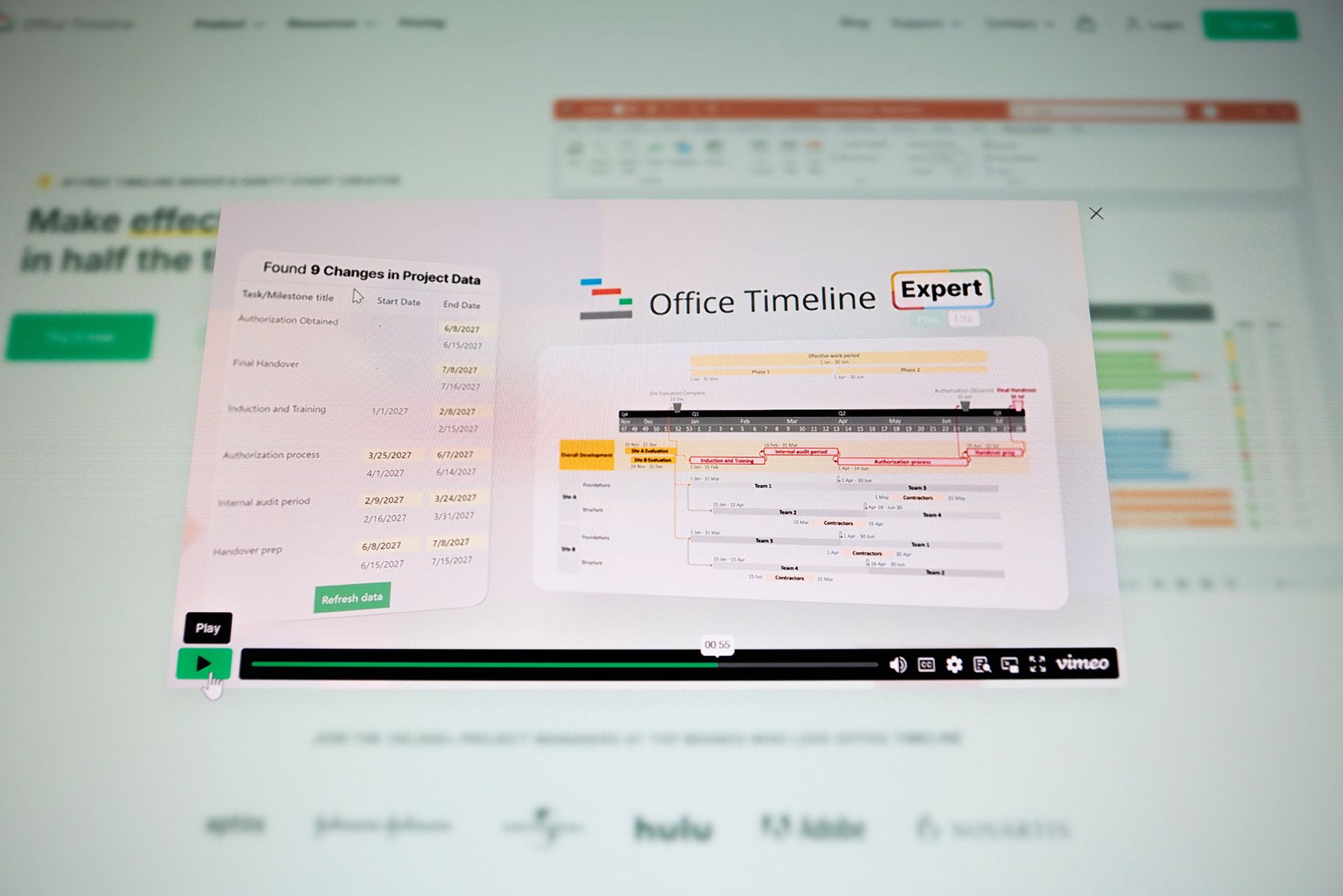
After seeing this kind of performance during the first couple of months, Office Timeline decided to embed it on their homepage.
Before
After
The Process
Building the Video Around the Audience
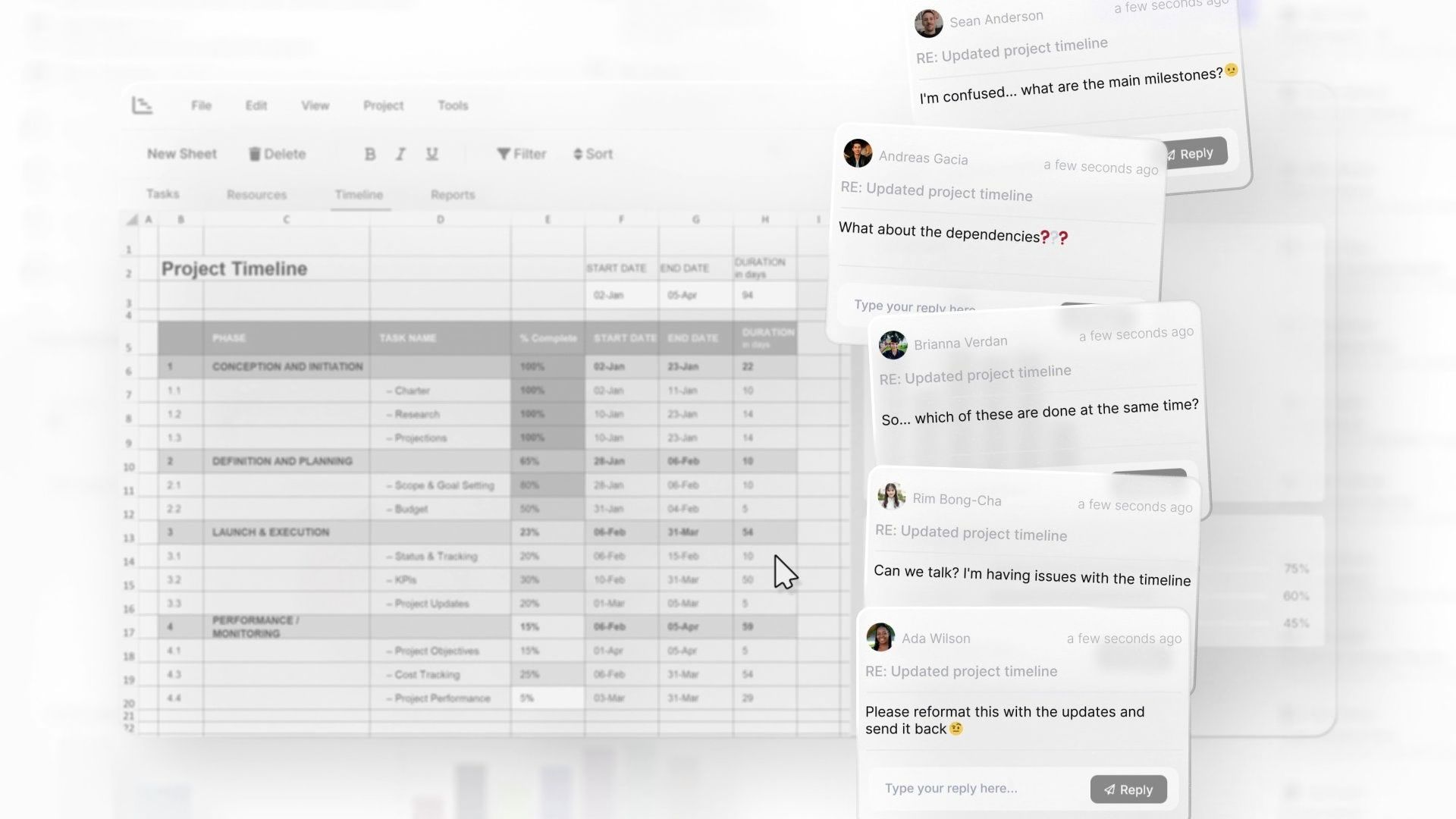
Before we started animating, we made sure we understood who's going to watch the video and what they already think and feel about the topic. That meant starting from the world of project managers: the bland spreadsheets, the status update emails, and the easily triggered flood of confused stakeholder messages, the things that will feel all too familiar for them.
Two Versions for One Clear Vision
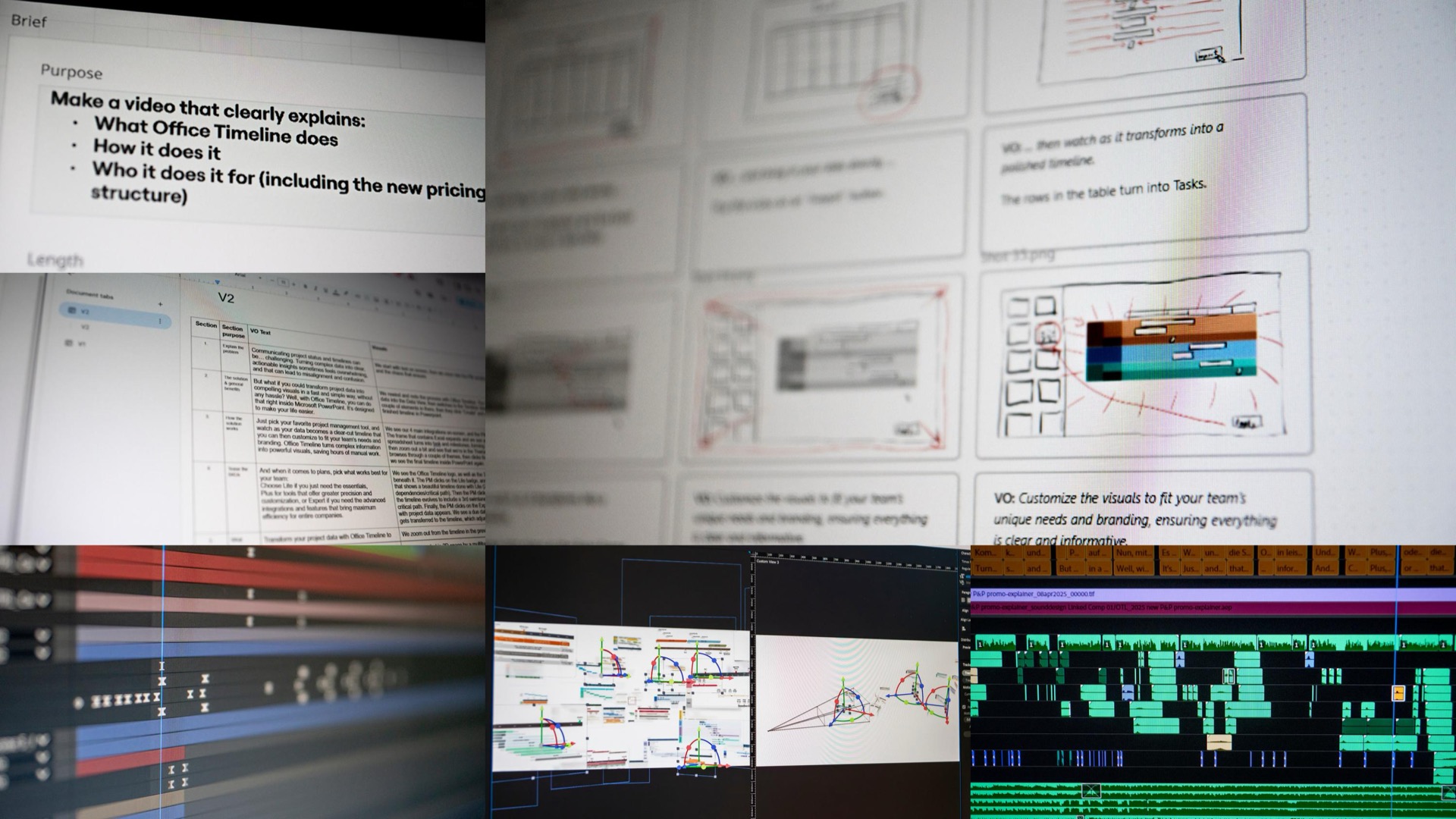
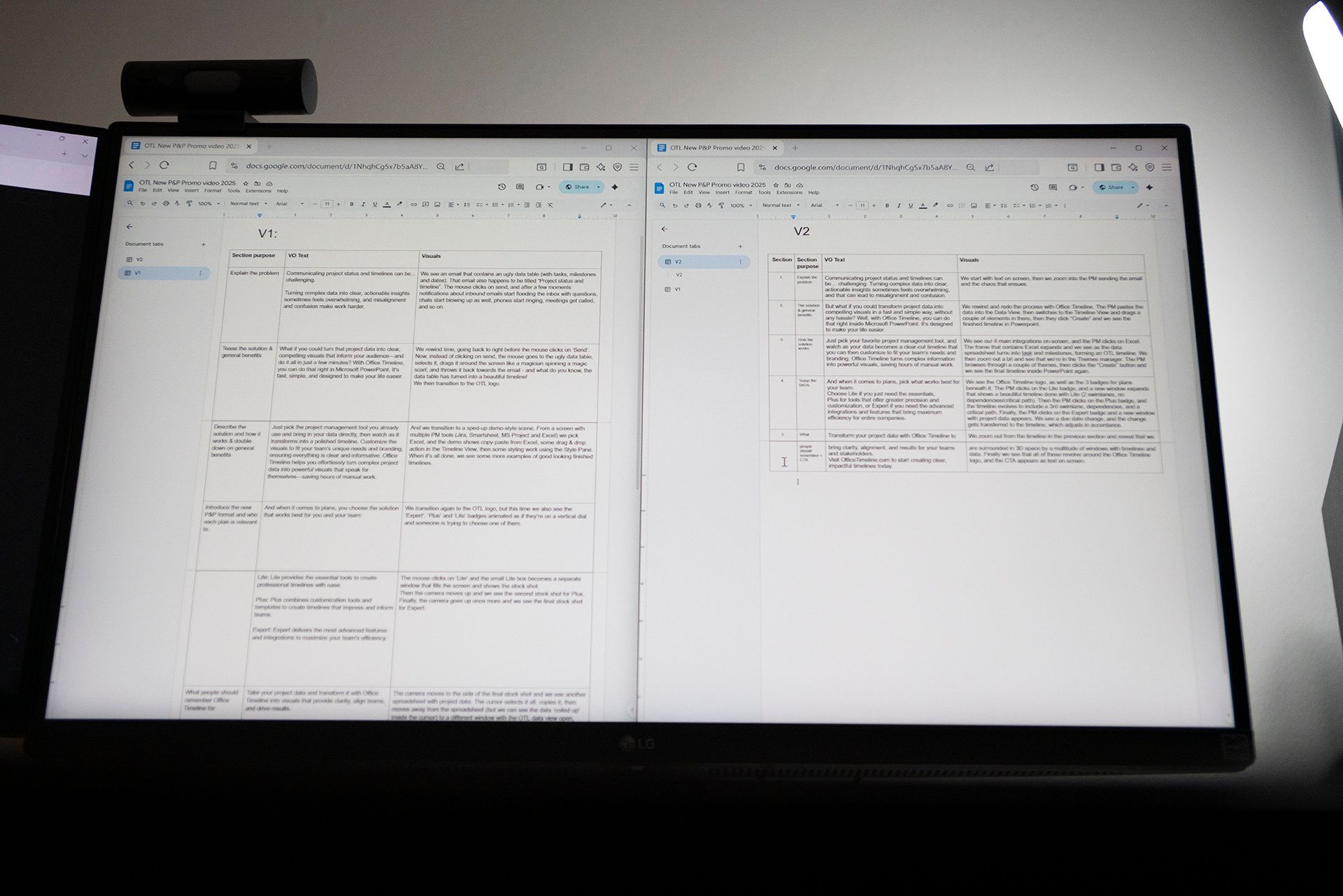
When a client hasn't fully defined what they want yet, the fastest way to get to clarity is to put something tangible in front of them, so we wrote a first version that was deliberately broad and longer than the final needed to be. The moment the folks at Office Timeline saw it, the conversation turned from "what do we want" to "this works, that doesn't", making V2 into a focused refinement that got approved immediately.
Visual Targeting
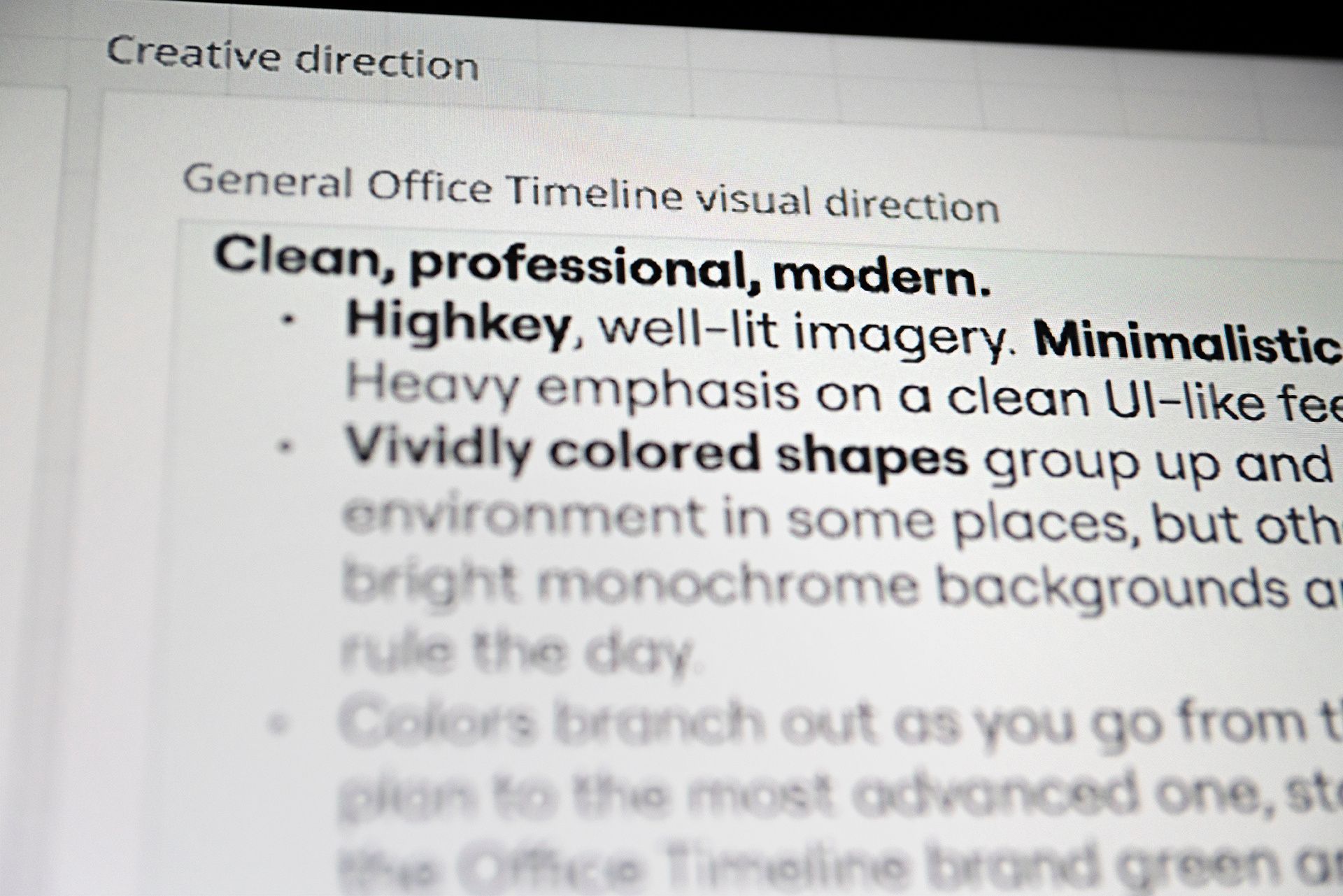
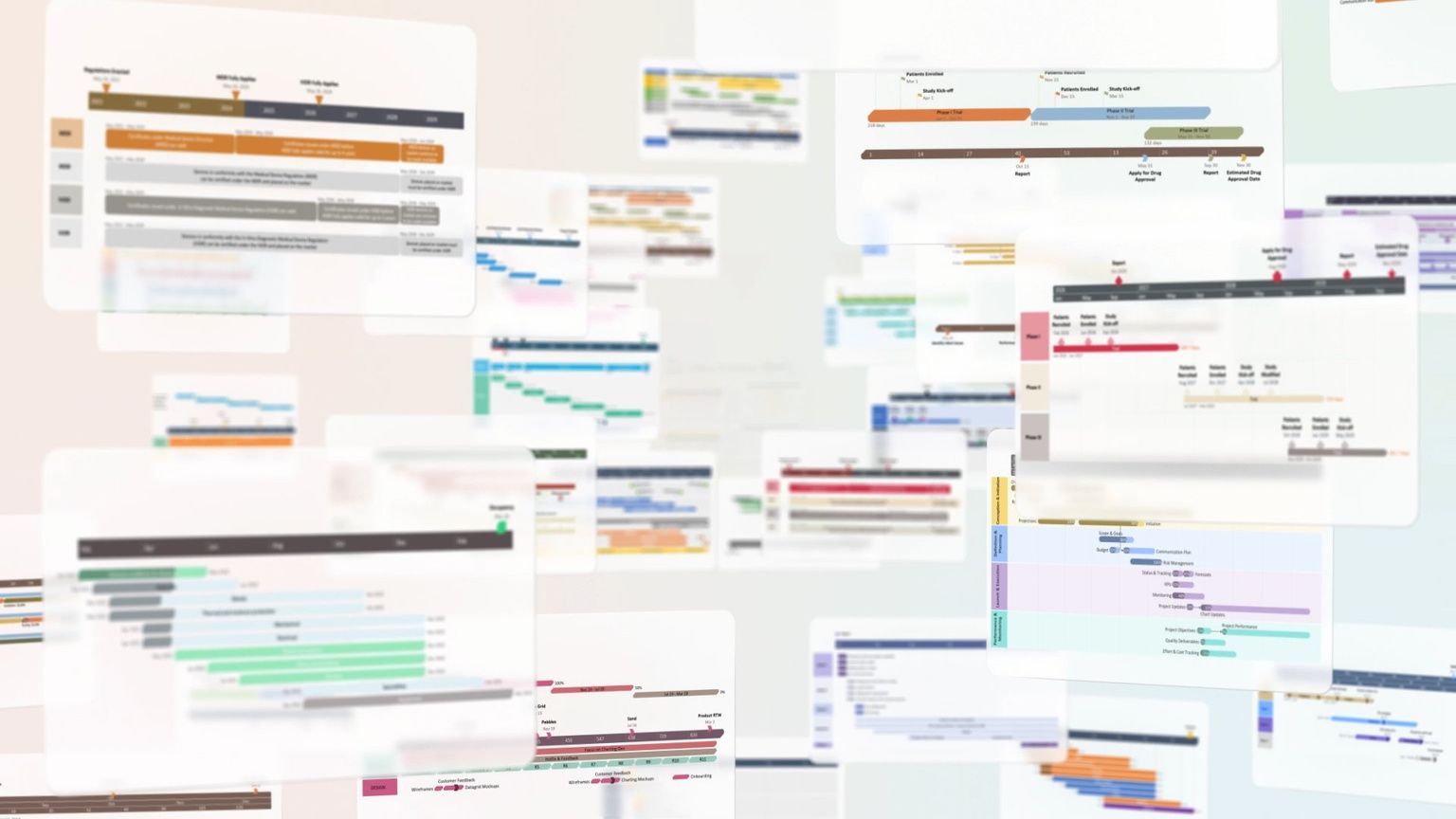
Our final strategic challenge was arguably the hardest: getting the visual direction right. The video had to feel familiar to the Microsoft users Office Timeline was speaking to without blending in completely, so we landed on leading with thorough structure rather than superficial style: a clean, UI-adjacent design that felt professional and modern, yet still distinctly Office Timeline.
Standard Procedures
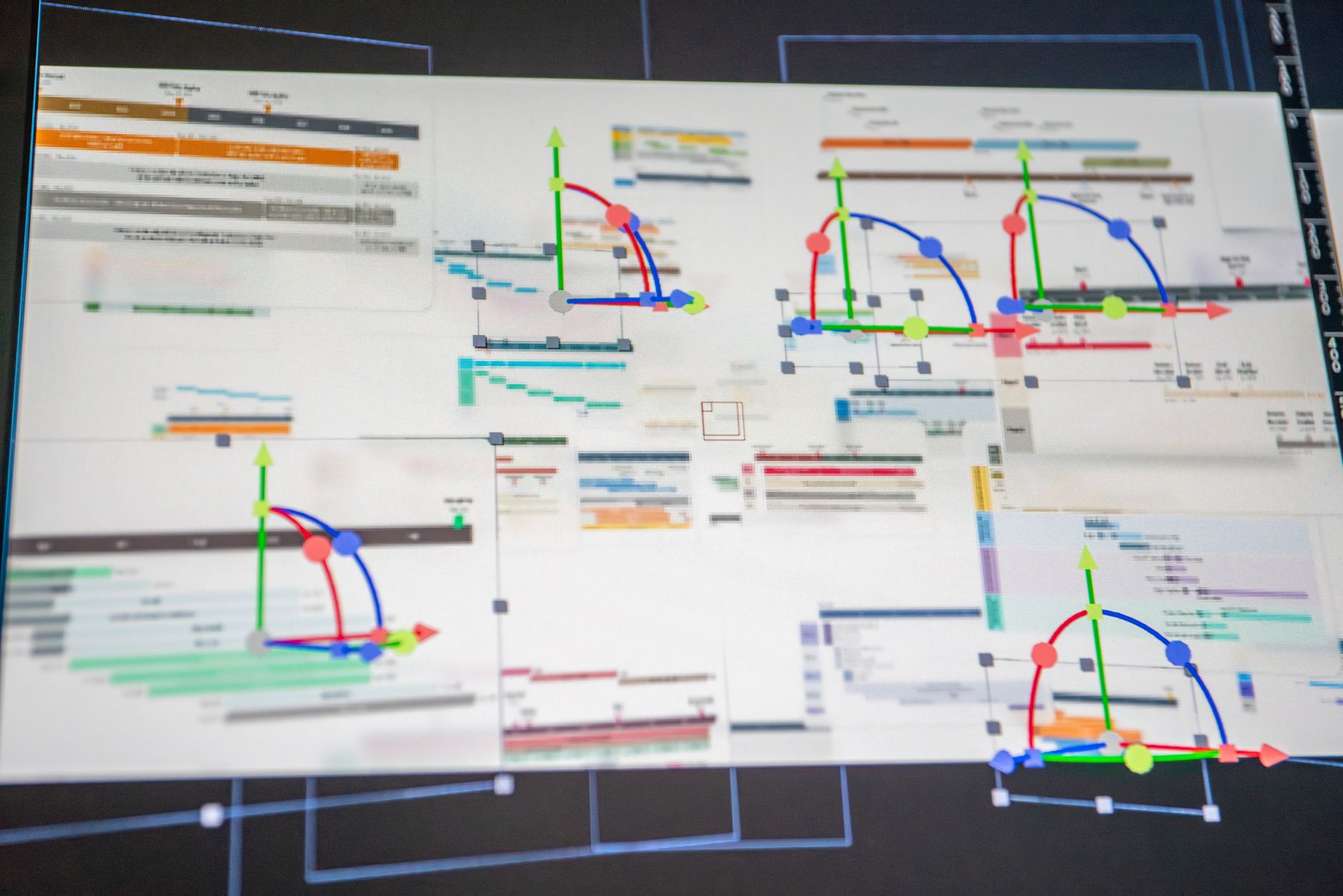
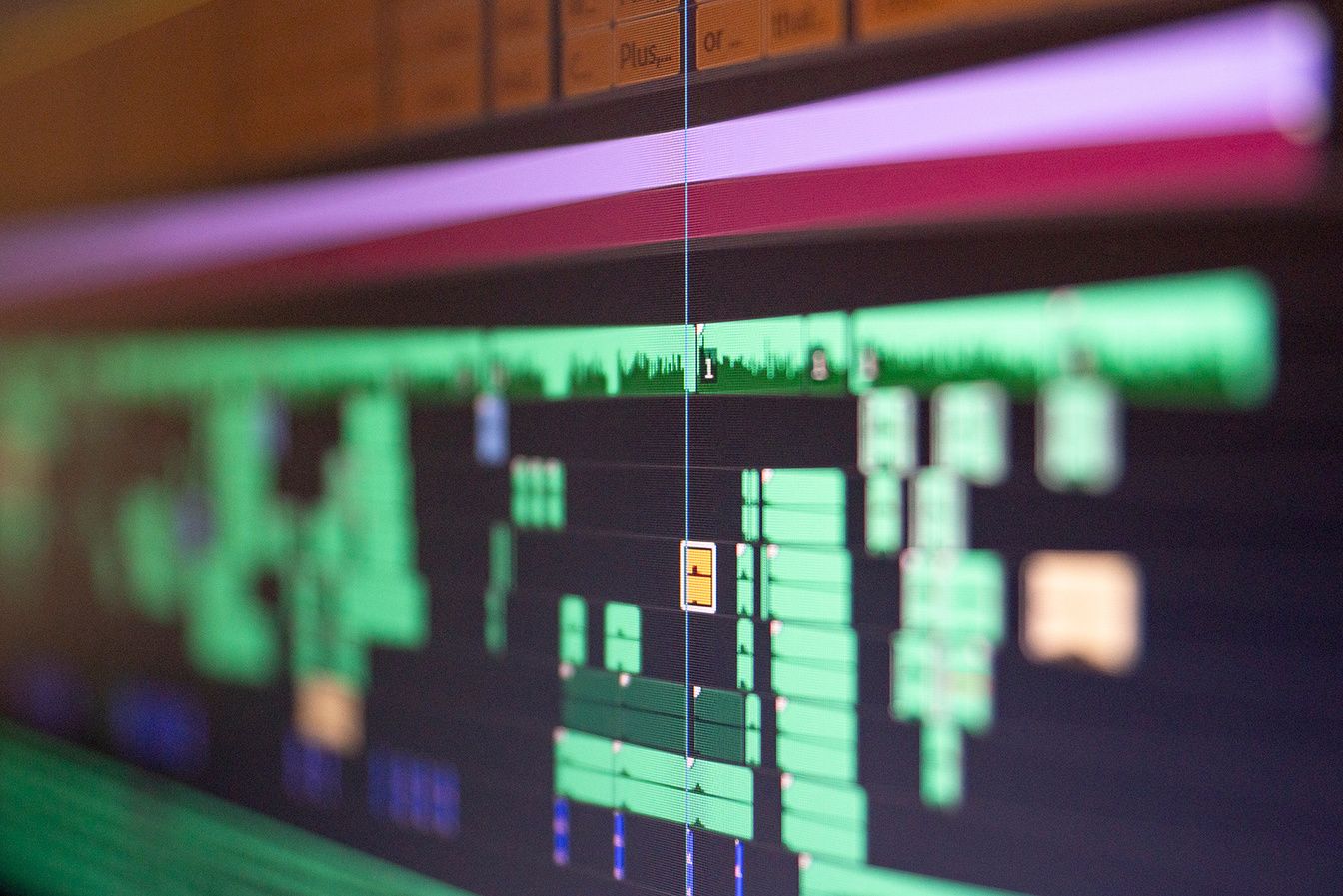
It was smooth sailing from then on, the project going without a hitch through the whole production pipeline of visual designing, animating and sound design.
The Outcome
What came out of production was a clear and compelling video that was 1 minute 14 seconds long, opening on the problem, moving through the demo, the key benefits, and the three pricing tiers, before directing viewers to try the product out.
Because the script was built in clearly defined parts from the start, it was also easy to cut it into four shorter versions for more targeted marketing uses.
What Doesn't Show Up in the Final Cut
This project is a good example of what becomes possible thanks to a longer working relationship. We could start from real understanding of both the product and the audience, and build something thoroughly designed to work from the first frame to the last.
Need one video to do the job of four?
Let's chat about how we could do that!You may also like
View all
What Do You Do After The Sale?
Support, Training, Tutorial VideosHow a video course turned new users into confident ones.

Messaging Customers Actually Pay Attention To
Shortform AdsTesting value props through short video ads.

"What Videos Should We Be Making?"
Video Marketing StrategyHow a ranked content strategy helped get more out of a video production investment.