What Do You Do After The Sale?
How a video course turned new users into confident ones
Office Timeline & RomSoft
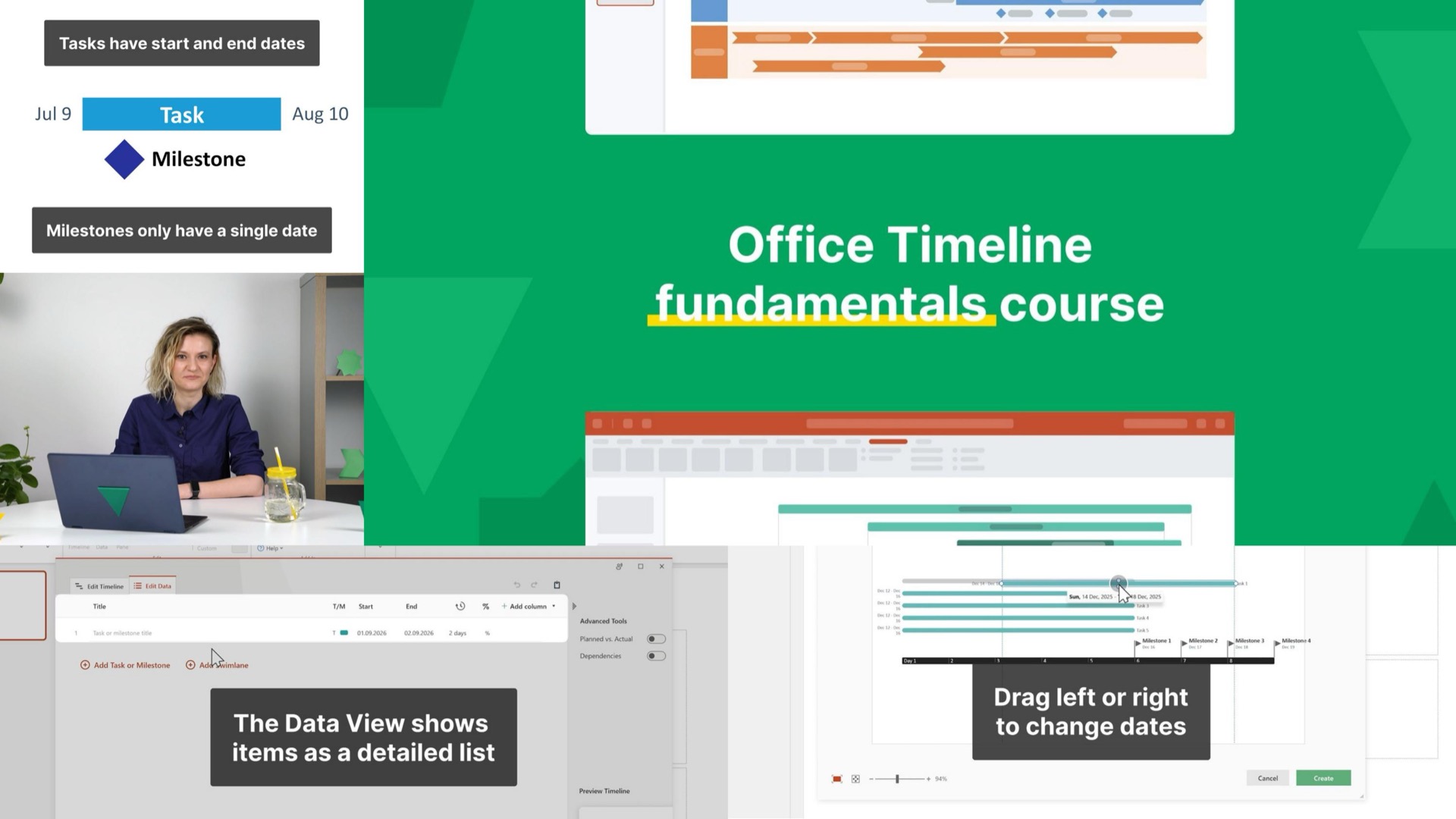
Office Timeline and their strategic partners at RomSoft were developing a timeline-maker for project managers. But PMs are busy professionals and they need new tools to make sense quickly.
We helped Office Timeline by creating a structured video course that was tailored to these users' specific learning needs through Office Timeline's soon-to-be launched learning center.
The Services
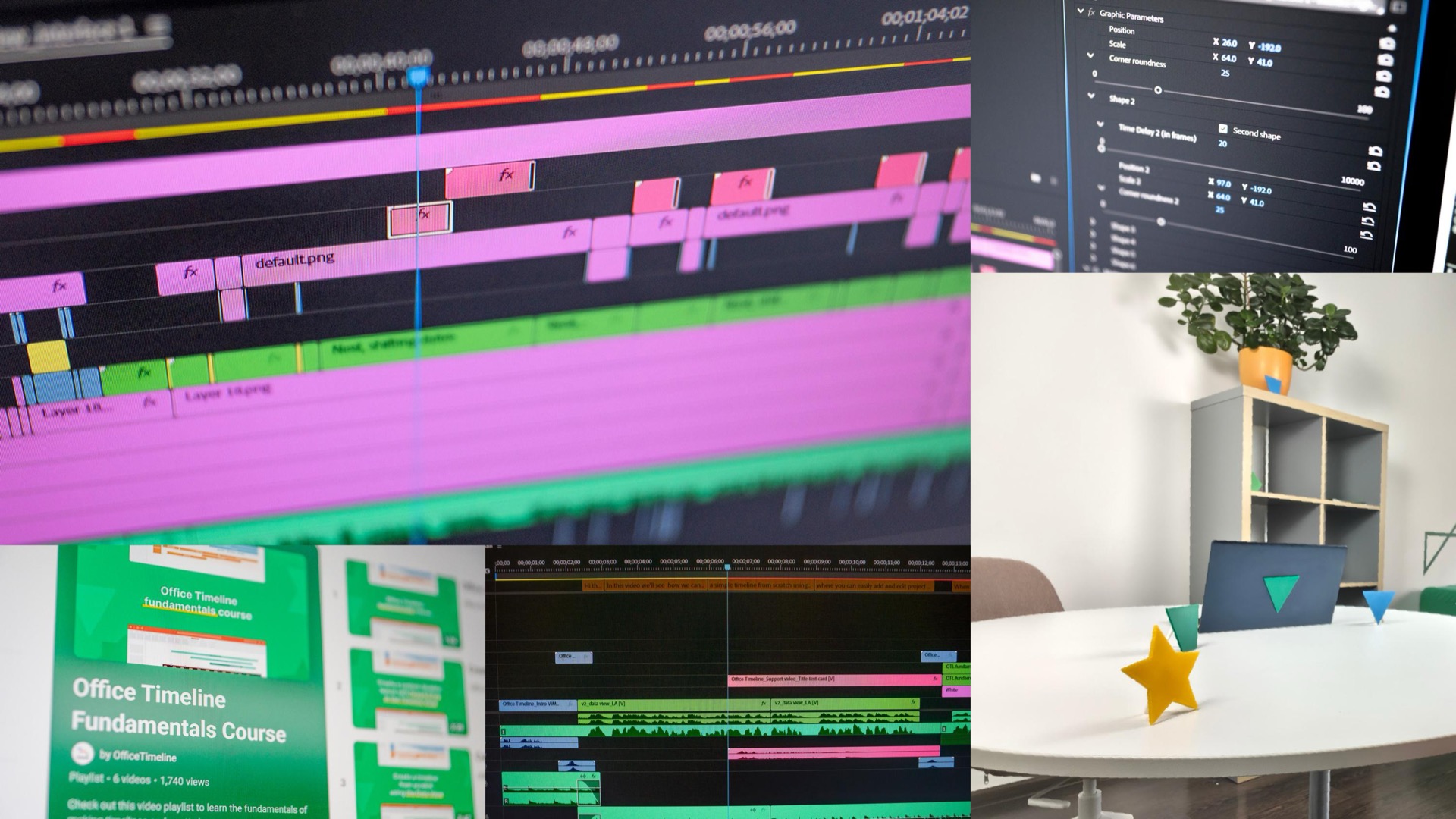
- Motion Animation Production
- Live-Action Production
The Deliverables
- A five-chapter, 13 minute-long video course
The Impact
61-68%
average watch percentage
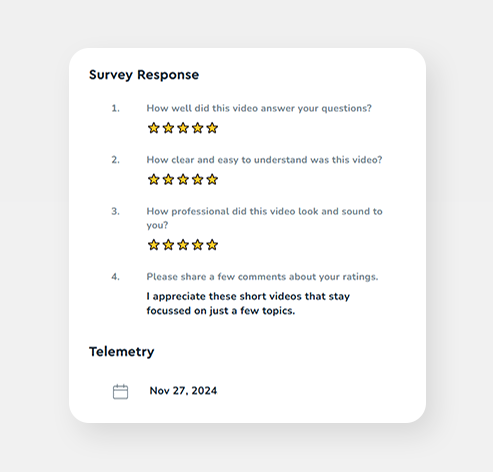
Explicit user praise
for the videos' clarity, pace, and helpfulness
The Process
What Does A New User Need To Know?
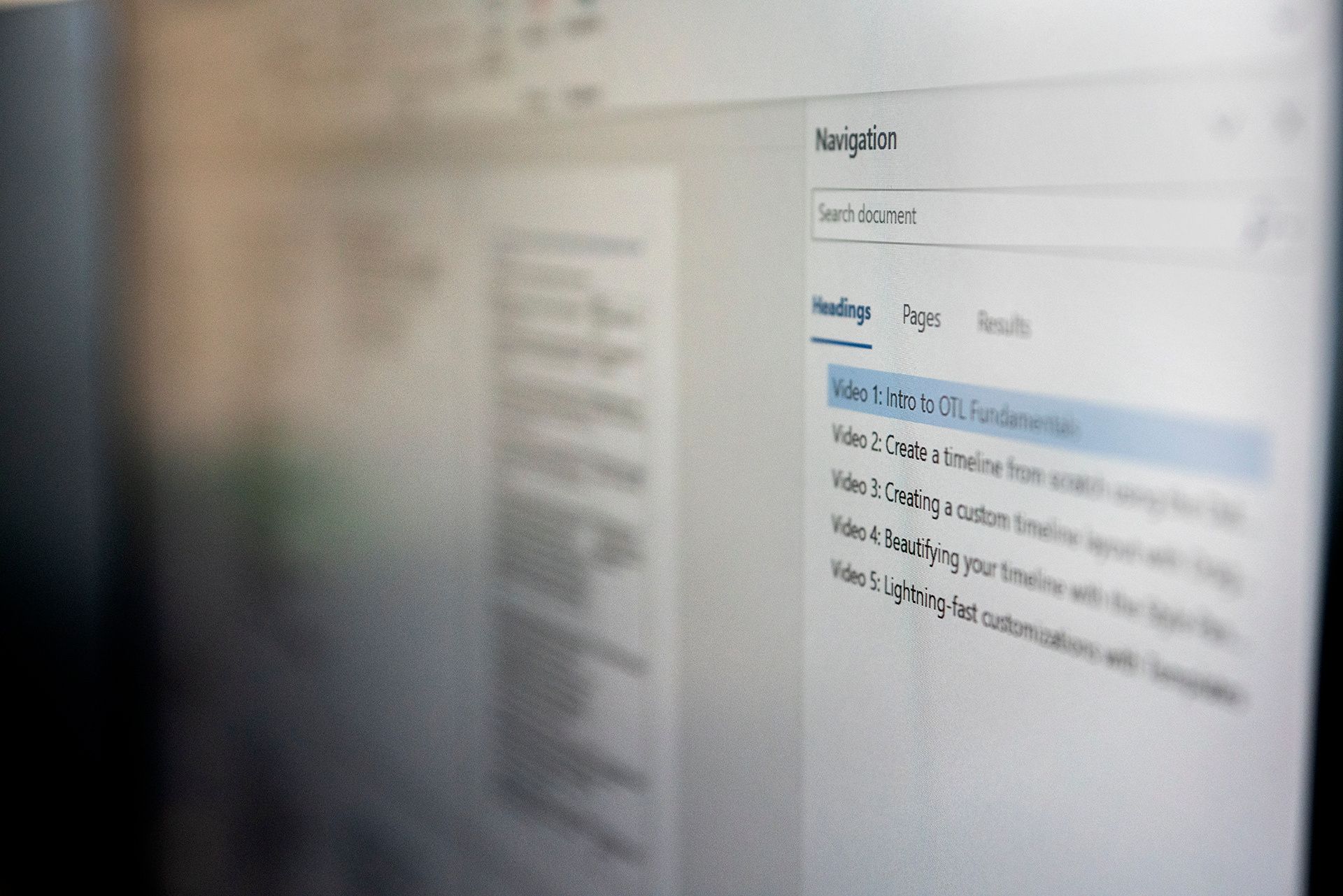
Before anything was scripted or animated, we worked out the structure of the course: five videos, each covering one core concept, in an order that made sense for someone who had never opened Office Timeline before.
Pacing For Real People
We deliberately chose a pace slow enough that someone could pause, try the same action in the software on their end, and pick back up without losing the thread. The high production value kept things engaging enough that the slower pace never felt like a drag.
Onboarding With No Screen Recordings
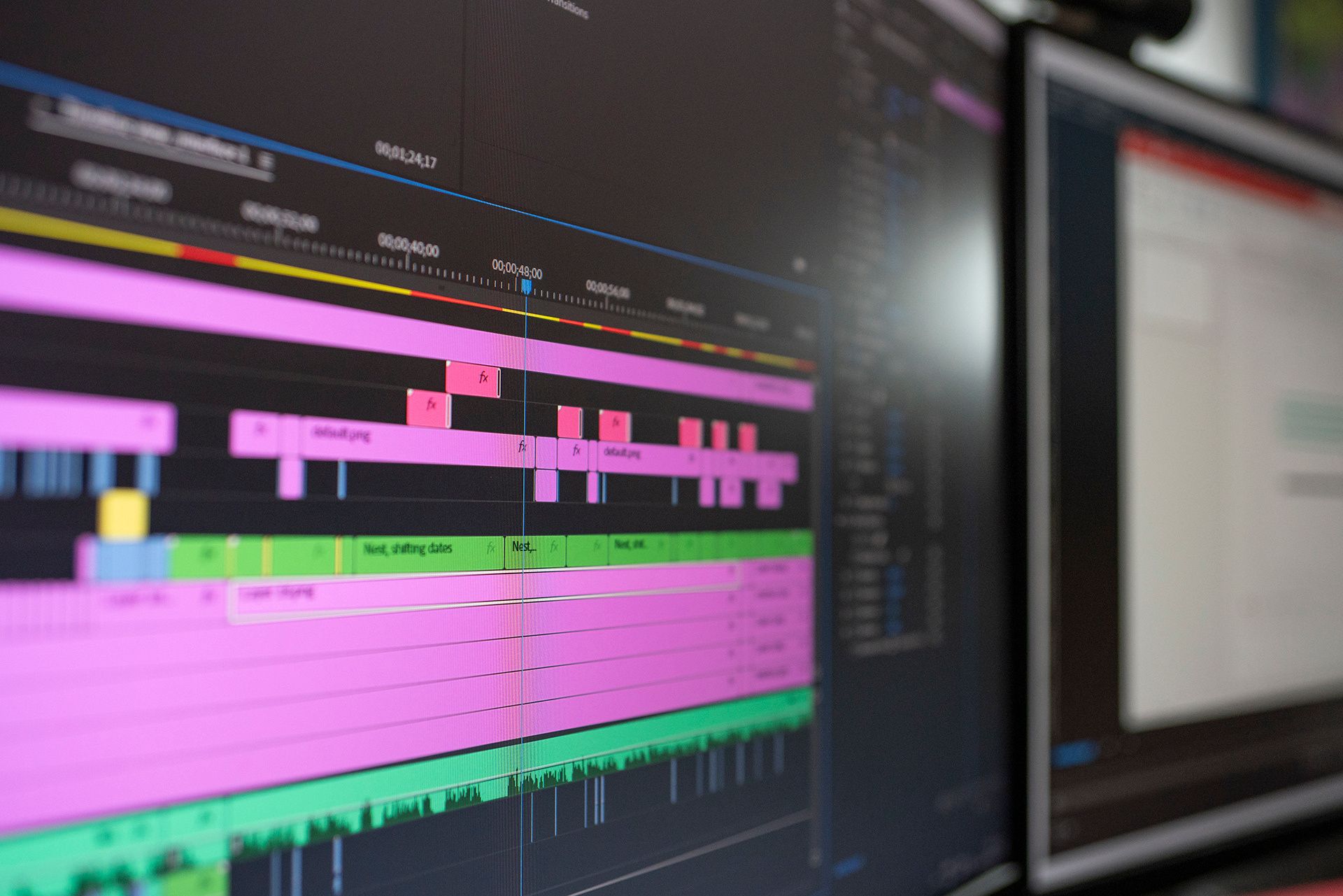
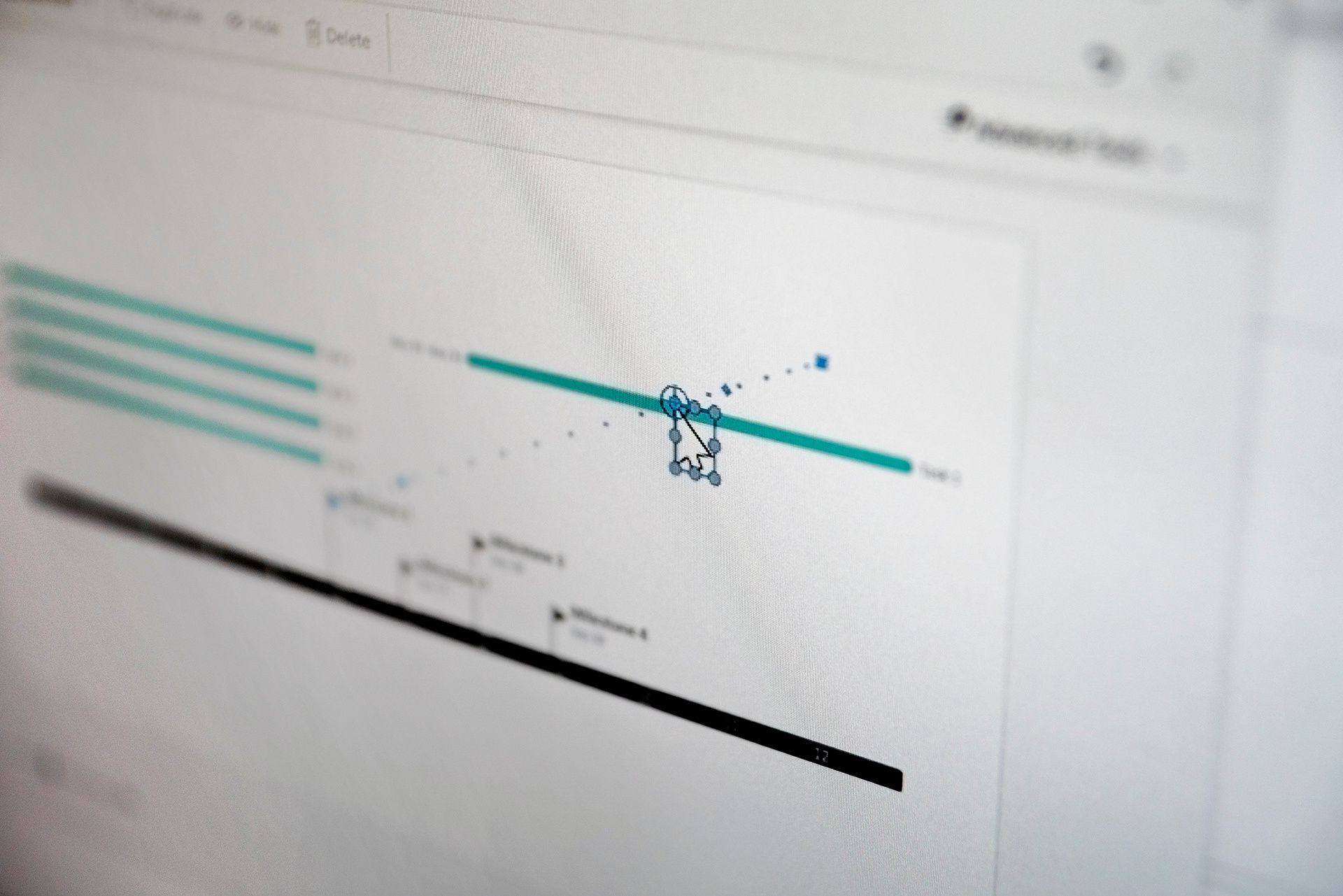
Instead of traditional screen recordings, we used custom animation throughout, giving us full control over pacing, zoom levels, and the visual cues that guide a viewer's eye to exactly the right place at the right time. Paired with the friendly live-action segments, the result is a course that educates without being boring or patronizing.
The Outcome
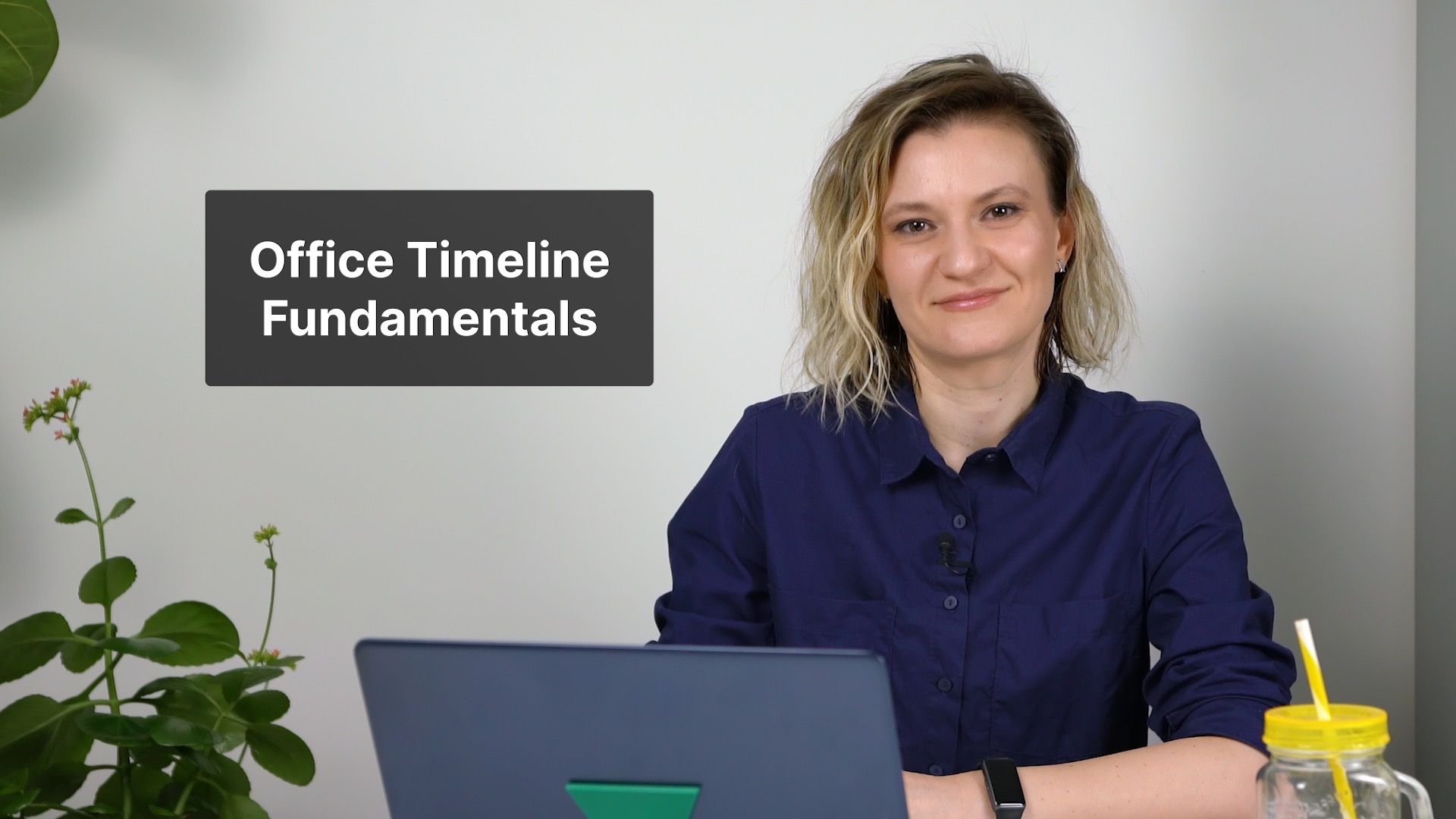
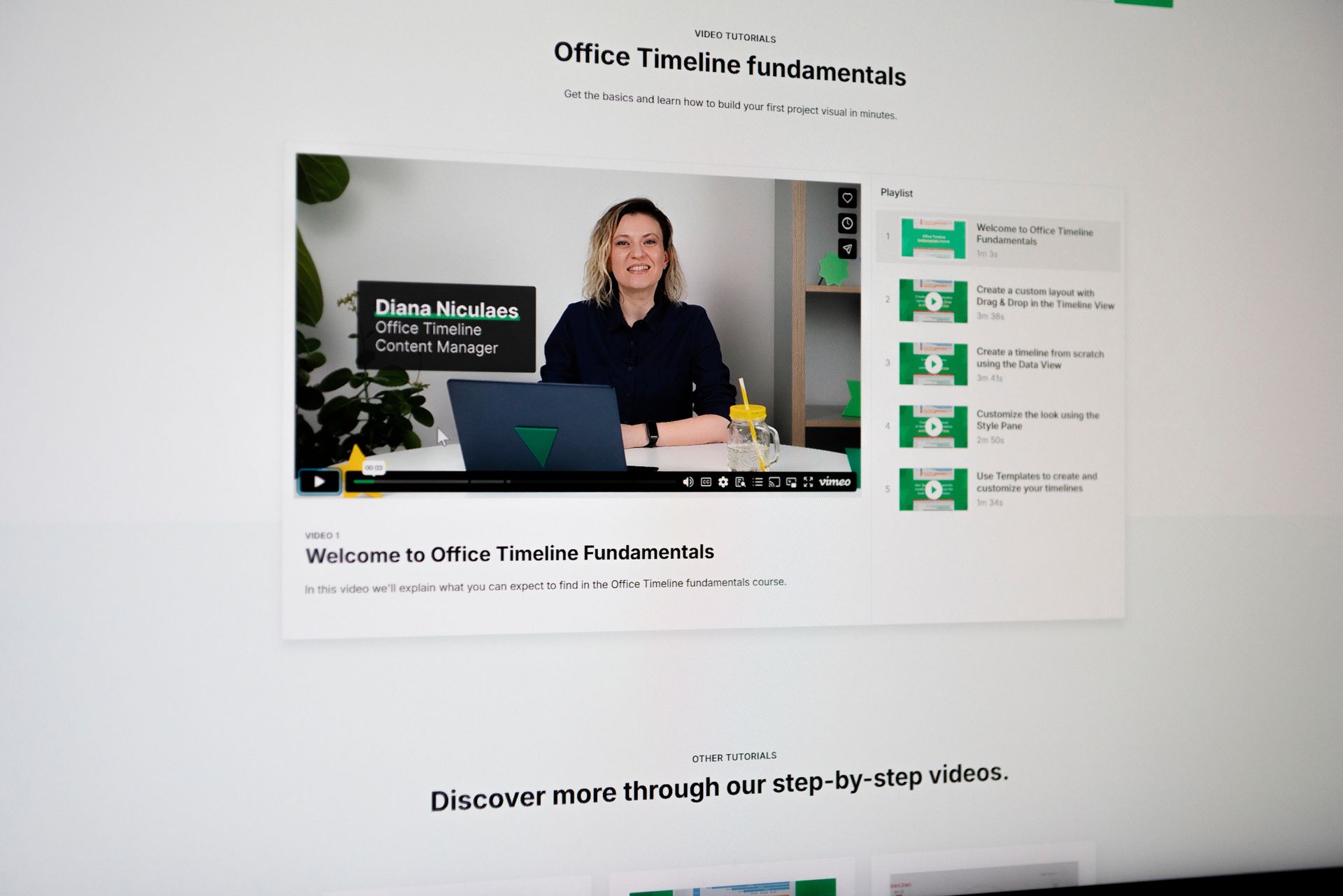
The end result took the form of a five-chapter video course, just under 13 minutes in total, that became the centerpiece of Office Timeline's newly launched learning center. Each chapter features a live-action host paired with fully animated software walkthroughs, designed to leave a lasting positive first impression on anyone meeting the product for the first time.
Want new users to feel confident from their very first click?
Let's chat about how we could do that!You may also like
View all
Messaging Customers Actually Pay Attention To
Shortform AdsTesting value props through short video ads.

"What Videos Should We Be Making?"
Video Marketing StrategyHow a ranked content strategy helped get more out of a video production investment.

Making Quality Videos Scalable
Video Production StrategyHow a custom production process turned generic screen recordings into scalable brand videos.